Google reviews influence how customers choose local businesses. People often check a business’s Google reviews before they call, visit, or make a purchase. Your review count and average rating can shape a potential customer’s first impression of your business.
A strong review profile can build trust and support local visibility. A low rating or limited number of reviews can make customers less likely to choose your business.
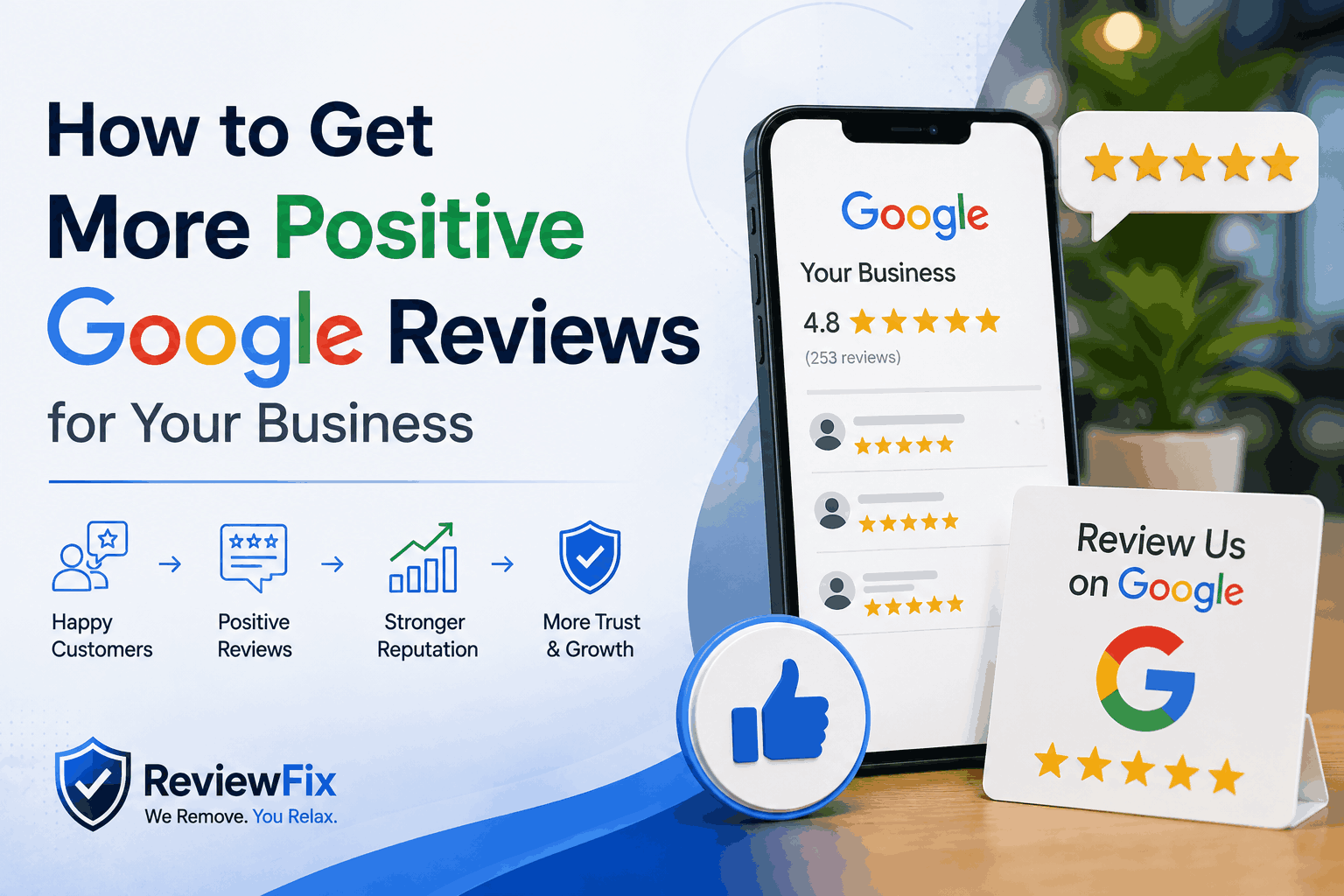
How to Get More Positive Google Reviews for Your Business
Getting more positive Google reviews requires a consistent process. Ask satisfied customers at the right time, make the review process easy, follow up with customers who do not respond, and engage with the reviews you already have.
At the same time, avoid buying reviews or offering incentives for positive feedback. Your review profile should reflect genuine customer experiences. If fake, unfair, or policy-violating reviews are affecting your Google Business Profile, ReviewFix can assess your reviews and identify those that may qualify for removal.
1. Claim and Optimise Your Google Business Profile
Before asking customers for reviews, make sure your Google Business Profile is complete and accurate. Verify your business with Google and add your correct business name, address, phone number, website, business categories, and opening hours.
Upload high-quality photos of your premises, products, or team, and write a clear business description that explains your main services and location.
A complete profile gives customers the information they need to understand your business and can also help Google identify your business and its services. Better visibility can lead to more customer interactions and more opportunities to receive reviews.
2. Ask at the Right Moment
The most direct way to get more positive Google reviews is to ask satisfied customers. Many customers are willing to leave a review but do not think to do so unless you ask.
Ask soon after a positive interaction, while the experience is still fresh. Good opportunities include after completing a job successfully, receiving positive feedback from a customer, resolving a problem, completing a sale, or finishing a service call, consultation, or appointment. Asking at the right time increases the chance that a satisfied customer will act on your request.
3. Make It Easy to Leave a Review
Customers are less likely to leave a review if they have to search for your business or complete several steps. Create a direct Google review link through your Google Business Profile and share it with customers.
You can include the review link in post-purchase emails, follow-up emails, SMS messages, receipts, invoices, email signatures, website pages, and social media profiles.
You can also turn the link into a QR code for printed materials. A direct link takes customers closer to the review form and reduces the effort required to leave feedback.
4. Train Your Team to Ask
Your customer-facing team can help generate more reviews when they know when and how to ask. Train team members to recognise when a customer is satisfied and make a simple, direct request for a Google review.
For example, a team member can say, “Would you be happy to leave us a Google review? It really helps other customers find us.” The team member can then provide the review link by text, on a card, or through a QR code.
The request should feel natural rather than forced. You can also track which team members generate the most reviews and recognise their contribution. This helps create a stronger focus on customer service and reputation across the business.
5. Follow Up With a Simple Email or SMS
Some customers may intend to leave a review but forget to do it. A follow-up email or SMS can remind them without adding unnecessary steps. Send the request within 24–48 hours of the service or purchase and include your direct Google review link.
A simple message can thank the customer for choosing your business, ask whether everything went smoothly, and explain that their review helps other customers find the business.
SMS can also be effective because customers can open the message and access the review link quickly. Keep the request short, clear, and easy to act on.
6. Respond to Every Review You Already Have
Responding to your existing reviews shows customers that your business pays attention to feedback. Thank customers who leave positive reviews and respond professionally to customers who raise concerns.
For positive reviews, use the customer’s name when appropriate and mention something specific about their experience.
For example, you could thank a customer for their feedback and mention the service they received. Keep responses genuine and avoid using the same response for every review.
Natural responses can also include your business name or location when relevant, but the main goal should be to provide a useful and authentic response to the customer.
7. Add Review Prompts Across Your Digital Touchpoints
Use the digital channels that your business already controls to make review requests easier to find. You can add a “Leave us a Google Review” link to your website footer or contact page, include a review link in post-booking and post-service emails, and add a QR code to invoices or payment receipts.
You can also place a review link in your email signature or social media bio. These small additions create more opportunities for satisfied customers to leave feedback without requiring a major change to your business processes.
8. Use Signage In-Store or On-Site
Businesses that interact with customers in person can use physical signage to encourage reviews. Place a simple review prompt near the checkout counter, reception desk, exit, or another location where customers are likely to see it before leaving.
The sign can include a QR code that takes customers directly to your Google review form and a short message asking them to share their experience.
Service businesses can also use review prompts in vehicles, on uniforms, or on equipment used during customer visits.
9. Never Buy Reviews or Incentivise Specific Feedback
Do not buy fake reviews or offer discounts, rewards, or other incentives in exchange for positive reviews. Reviews should come from genuine customers who have actually used your products or services.
Google prohibits practices such as reviews written by business owners, employees, or associates, reviews from people who have not used the business, incentivised reviews, and certain forms of review manipulation.
Fake or manipulated reviews can also damage customer trust and create risks for your Google Business Profile.
The safest approach is simple: ask genuine customers for reviews, make the process easy, and allow them to share their honest experience.
10. Handle Negative Reviews Correctly
A strong review profile can still contain some negative feedback. A few genuine negative reviews do not automatically damage a business, especially when the business responds professionally and maintains a strong overall rating.
However, some reviews may violate Google’s policies. These can include fake reviews from people who never used the service, reviews posted by competitors, defamatory content containing false factual claims, spam, or other policy-violating content.
When a review violates Google’s guidelines, you can report it for removal. The process may require evidence, a clear explanation of the policy violation, and follow-up with the platform.
This is where professional review removal services such as ReviewFix can help businesses identify potentially removable reviews and manage the removal process.
When Positive Reviews Are Not Enough
Building a strong Google review profile takes time. Positive reviews can improve your overall rating, but fake, unfair, or policy-violating reviews can continue to affect your reputation.
For this reason, review generation and review removal can work together as part of a broader reputation strategy.
Businesses should consistently ask satisfied customers for genuine feedback while addressing reviews that clearly violate platform policies.
At ReviewFix, we help businesses identify and challenge fake, defamatory, and policy-violating reviews across platforms such as Google, Facebook, Glassdoor, Yelp, and TripAdvisor.
Our process includes assessing the profile, identifying potentially removable reviews, preparing supporting evidence, and managing the reporting and follow-up process.
A Practical 30-Day Review Generation Plan for You
Week 1 — Set Up the Foundations
Start by verifying and completing your Google Business Profile. Generate your direct Google review link and add it to your email signature and website so customers can easily find it.
Week 2 — Build the Ask Into Your Process
Train your team to recognise good opportunities to request reviews. Create a simple follow-up email or SMS template and begin sending review requests to recent customers who have completed a purchase or service.
Week 3 — Expand Your Touchpoints
Add your review link or QR code to receipts, invoices, and other relevant printed materials. Add a review prompt to your social media profiles and respond to the existing reviews on your Google Business Profile.
Week 4 — Review and Adjust
Check how many new reviews you received and identify which channels generated the most responses. Focus more on the methods that produced results and adjust or remove methods that did not perform well.
Repeat this process each month to build review generation into your normal business operations.
Protect Your Online Reputation With ReviewFix
Your Google reviews can influence customer trust, local visibility, and future enquiries. If your business is being affected by fake, defamatory, or policy-violating reviews, you do not have to manage the problem alone.
ReviewFix can assess your review profile, identify reviews that may breach platform guidelines, prepare supporting evidence, and manage the reporting and follow-up process on your behalf.
Contact ReviewFix today to request a review assessment and take the next step towards protecting your business’s online reputation.